Real over simulated
Scenes are filmed in genuine working environments, with real equipment and real gestures. No rough 3D, no neutral set.
Soriston turns a written procedure into a lived situation. Your people step into a scene filmed in 360° at their own workplace, have to act inside it, and discover the consequence of each decision before making it for real.
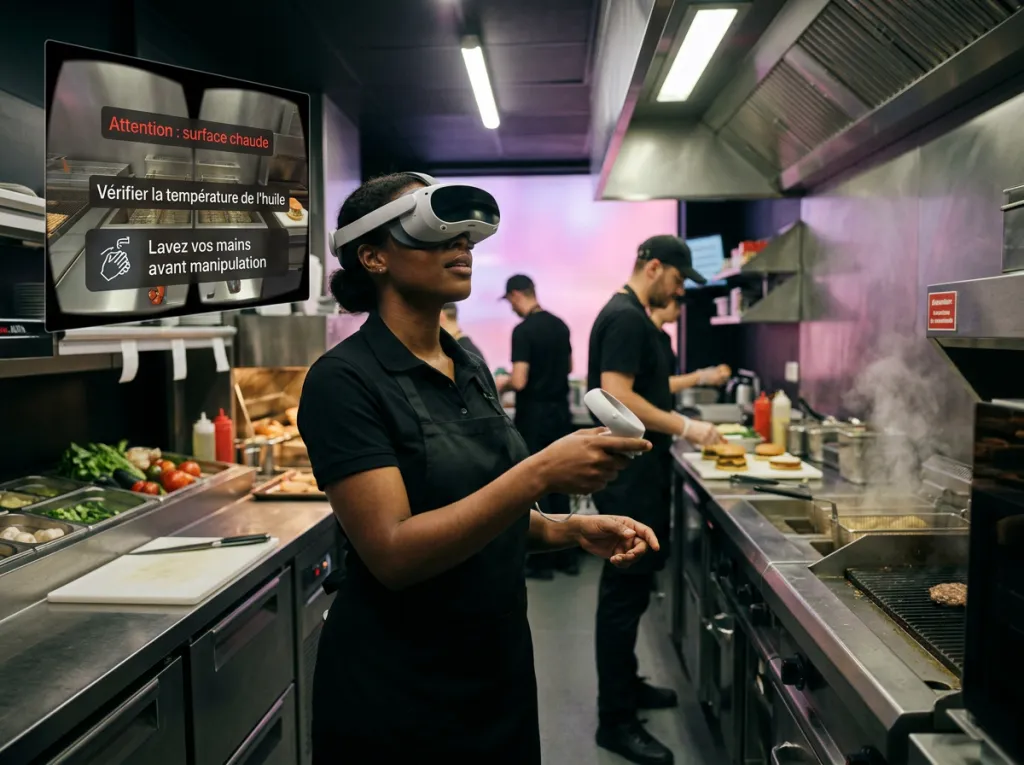
Immersive 360° video training means filming a real work situation with a camera that captures the entire visual sphere, then adding interaction points to it. The learner does not watch the scene, they stand inside it. They turn their head, inspect a workstation, open a cold room, pick up a tool.
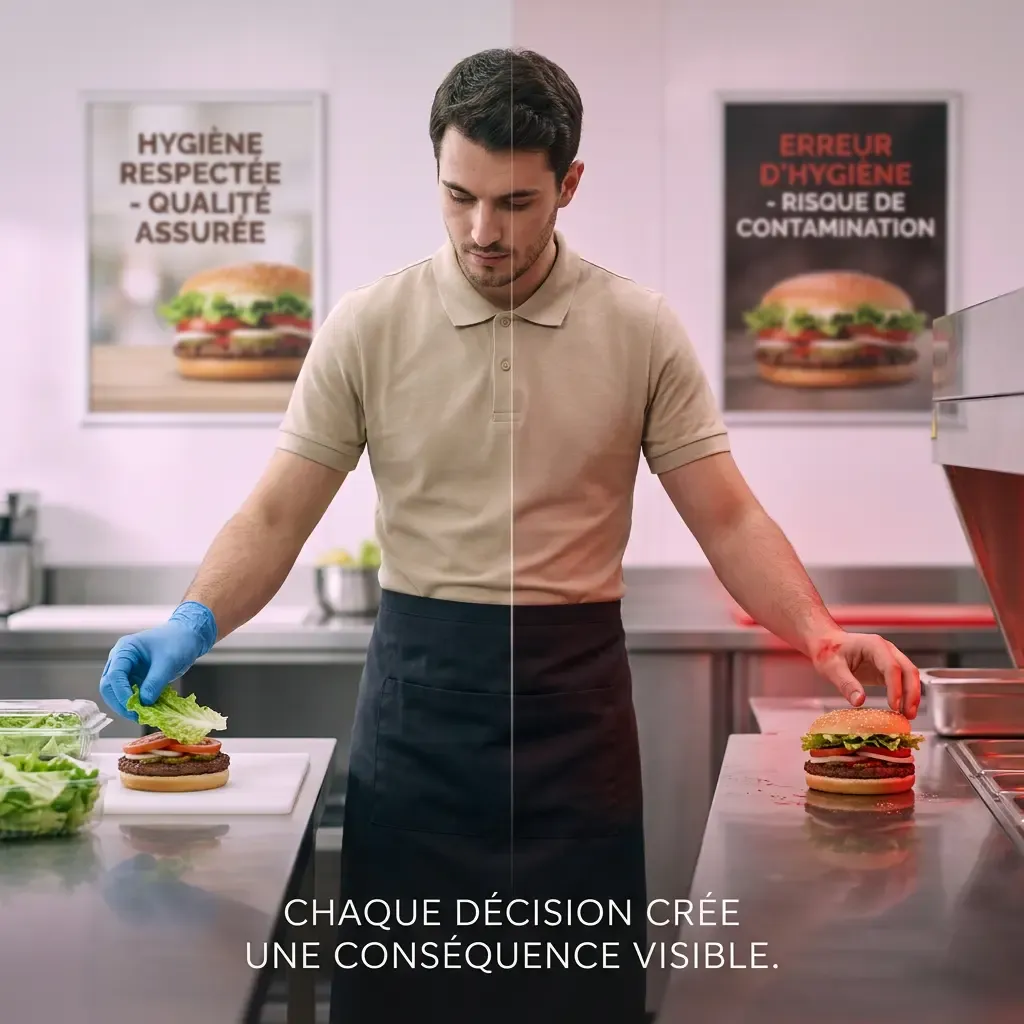
One word separates this from a standard training video: decision. At every key moment the scenario stops and waits for an action. What follows depends on that choice. A mistake does not produce a red message, it produces a visible consequence inside the scene.
The format serves trades where the gesture matters more than the knowledge: foodservice, food manufacturing, logistics, maintenance, front desk, care. Anywhere the gap between knowing and doing is expensive.
Soriston was built around the constraints that make most field training schemes fail.
Scenes are filmed in genuine working environments, with real equipment and real gestures. No rough 3D, no neutral set.
Every situation forces a choice inside a time window. We measure what the person does, not what they tick.
A mistake plays out in the scene. The link between gesture and outcome becomes obvious, which written feedback never achieves.
Offline mode, short sessions, readable without sound, three taps to start. Operational constraints drove the engineering.
A typical session runs eight to fifteen minutes. It fits into a break, the start of a shift or an onboarding slot.
The learner opens the module on their device. No complex code, nothing to install at that moment.
The 360° scene starts. The environment matches their own station, with the matching noise and pace.
Action points appear on the relevant elements. The learner explores, selects, ignores.
The situation forces a choice. A countdown reproduces the real pressure of the job.
The scenario branches and shows the effect: product safe or contaminated, customer served or lost, incident avoided or triggered.
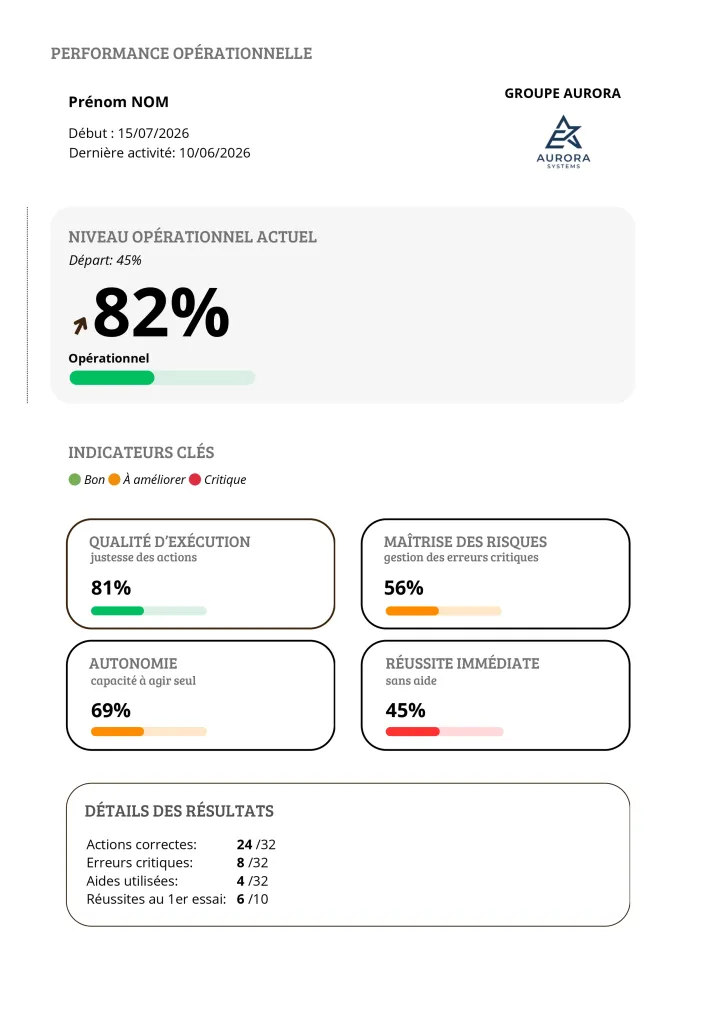
At the end the learner sees their decisions, errors and level. The manager gets the same reading, aggregated.
Standalone VR headset, smartphone, tablet and desktop browser. Same module, experience adapted to the device.
The module downloads once, then runs with no network. Results sync when the connection returns, with no manual step.
The path changes with the choices made. Two learners who decide differently do not see the same continuation.
Every scene stays understandable without sound. Useful on a noisy floor, essential for accessibility.
Modules open as learners advance. A validated step gives access to the next.
One platform for all your locations, with content available in several languages.
You do not have to produce everything to start, nor settle for generic content over time.
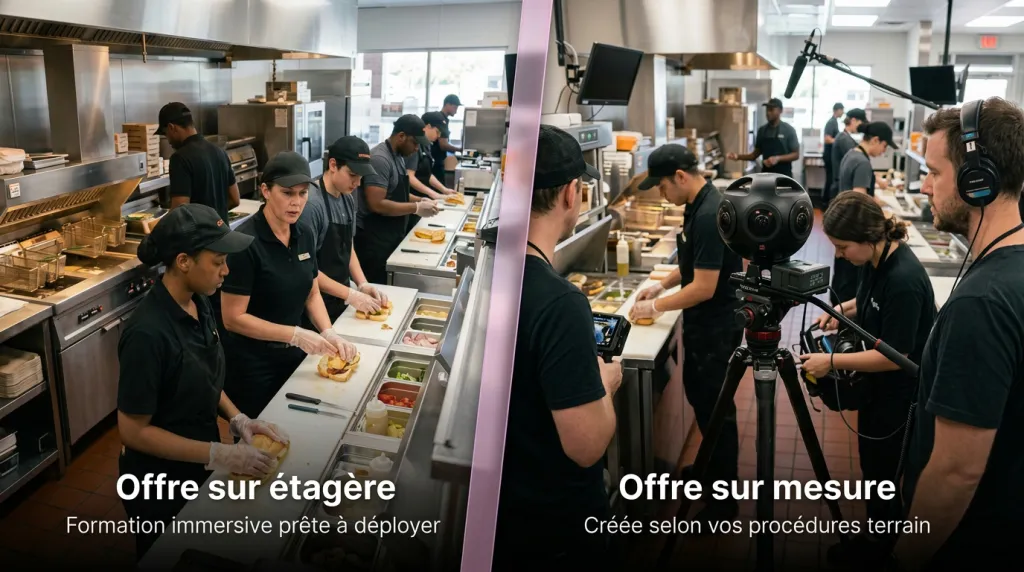
Situations already filmed on common topics: hand hygiene, cold chain, cross contamination, core cooking temperature, customer service, workstation safety. Rolled out within days.
Our teams film your own sites, with your procedures, your equipment and your people. The scenario uses your control points and your internal vocabulary.
A signature proves attendance. Soriston documents capability. Those are different things, and only the second one protects you during an audit or after an incident.
3D requires heavy modelling and ages quickly as soon as equipment or layout changes. 360° video captures the place as it is, with real light, noise and clutter. Production cost is lower and learners recognise their own environment immediately.
Usually eight to fifteen minutes. That length is deliberate: it fits a break or the start of a shift, and it sits below the point where wearing a headset becomes uncomfortable.
Yes, and that is the most common route. Many rollouts start on mobile or tablet, which avoids any hardware purchase. Headsets come later, on the sites where full immersion genuinely adds something.
Yes. A procedure changes, a new machine arrives, an audit comes back with findings: the scenario is edited and the new version reaches every site. Off the shelf modules are maintained by our teams.
Results are hosted in the European Union and processed in line with the GDPR. You remain the data controller, Pixeo Group acts as processor. Details are in the privacy policy.
We run a short demonstration on a scenario close to your own operations. You judge from there.
About 20 minutes. No commitment, nothing to install beforehand.